
Automated Claims Processing: Stop Drowning in Paperwork
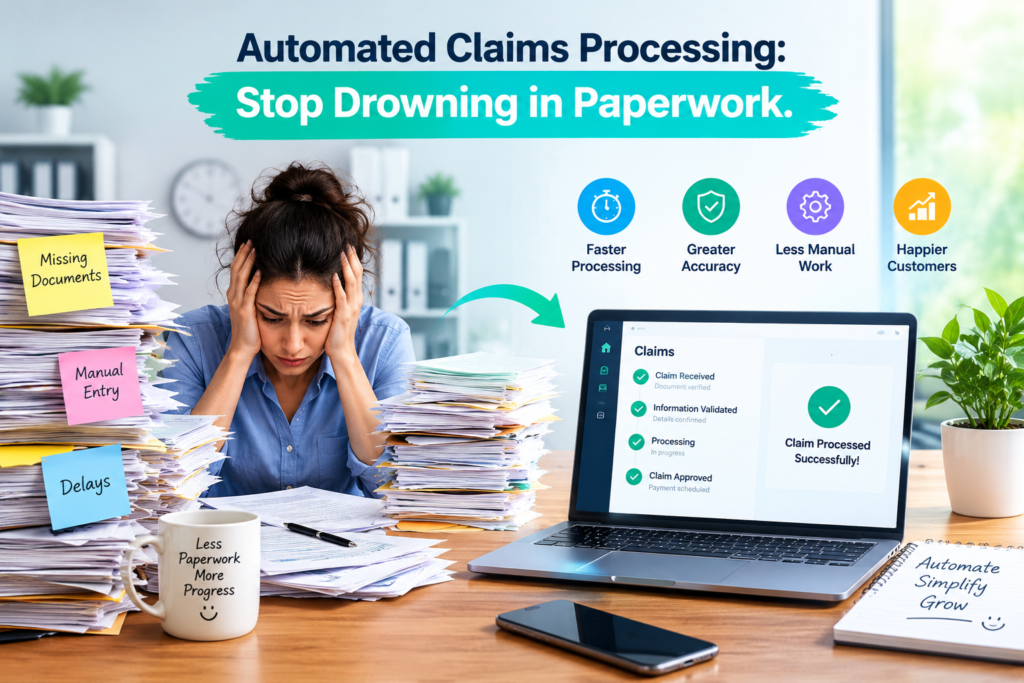
Your inbox is full. Your desk is full. Every claim comes with photos, estimates, invoices, and long policy pages. You spend twenty minutes just finding one page. Then you retype the same data into another screen. Many claims teams live like this each day. Automated claims processing can end that cycle. Software reads your files, sorts them, and checks them for you. In this post, we show how it works and how it helps you close claims faster.
What Is Automated Claims Processing?
Automated claims processing uses software to handle slow, repeat tasks. It reads documents, enters data, and checks files. Your team still makes the final calls. The software just clears the pile.
You may hear it called claims process automation. It is one part of insurance workflow automation, where each step moves forward with fewer hand-offs. Fewer hand-offs mean fewer delays. They also mean fewer mistakes.
Think of it as a smart assistant. It never gets tired. It never skips a page.
How Does AI Document Extraction Power Automated Claims Processing?
AI document extraction reads a file much like you do, only faster. It finds names, dates, amounts, and policy numbers. Then it turns them into clean data fields.
Picture a 40 page estimate. Reading it takes time. Typing the numbers takes even longer. AI does both in seconds. You just check the result.
With Adjusted, you can drag and drop claim files, photos, estimates, invoices, and policies. The platform places them in one claim record and pulls out the key details.
Why Do Searchable Claim Records Matter?
Paper files hide things. One email sits in a folder. One photo sits in a drive. You lose hours on the hunt.
Searchable claim records fix this. Every email, note, photo, and estimate lives in one place. You type a word, and the file appears. One Adjusted user says they can search thousands of photos without tagging any of them.
This helps when a client calls. You find the answer in seconds. It also helps when a teammate takes over your file. They see the full story at once.
Can AI Review Policies Faster Than You Can?
It can read them faster, and you stay in charge. Policies are long. They hide limits, exclusions, and deductibles in fine print. Missing one detail can sink a claim.
AI policy review pulls those key terms to the top. You see coverage details at a glance. The Policy Analyzer from Adjusted is built for this task. The Estimate Analyzer also compares initial and supplement estimates line by line.
Then you verify the facts yourself. You always keep the final say.
How Does Missing-Information Detection Save Time?
Nothing slows a claim like a missing page. You find the gap days later. Then you chase the client while the clock keeps running.
Missing-information detection checks each file as it arrives. It flags blank fields, absent documents, and details that do not match. You get a warning early. You ask for the item on day one, not day ten.
This is where insurance workflow automation pays off. You send fewer follow-up emails. You have fewer stalled files. Your clients stay happier.
What Happens When You Cut Manual Data Entry?
Typing is slow. Errors creep in. One wrong digit in a claim number can cause a week of delays.
Manual entry also drains your best people. Skilled adjusters end up doing clerk work.
Claims process automation lifts that load. You get:
- Fewer typos and fewer rework loops
- Faster file setup
- More time for calls, site visits, and talks with clients
- Less burnout on your team
A smaller pile feels lighter. Your whole team will feel it.
What Should You Look for in a Claims Automation Tool?
Keep your checklist short. Does the tool read your documents? Does it keep one record per claim? Can you search it fast? Does it flag gaps? Is it easy to learn? Is your data safe?
For that last point, ask about SOC 2 Type II certification. It shows an outside firm tested the security controls. Rules also differ by state. Check with your state regulator or the NAIC before you change a process. For plain facts on how claims work, the Insurance Information Institute is a handy source.
Good claims process automation should feel simple, not heavy. Our advice is to start small. Pick one slow task and test the tool on it. Then grow from there.
Are You Ready for Automated Claims Processing?
Paper piles do not need to run your week. With automated claims processing, your files get read, sorted, and checked while you work on real cases. Adjusted brings your claim files, documents, estimates, and policy details into one organized platform. Your insurance workflow automation can begin with a single task. See how Claim Management fits your team, or schedule a demo and let us walk you through it.
What Else Do You Want to Know?
What is automated claims processing?
Software reads claim documents, enters data, and checks files so your team types less.
Will automation replace claims adjusters?
No. It handles repeat tasks, while your team makes the decisions and talks with clients.
What documents can AI extraction read?
It reads policies, estimates, and invoices, then turns key details into clean data fields.
How does missing-information detection help?
It flags absent documents and blank fields early, so you request items on day one.
Are searchable claim records better than shared folders?
Yes. One record holds every email, note, and file, so you find items quickly.
Is claims data safe in automated systems?
Look for strong security proof, such as SOC 2 Type II certification.
Where should a claims team start?
Pick one slow task, like data entry, test a tool on it, then expand.
