
Client Management Software for Insurance Teams: How a Claims CRM Keeps Every Contact in One Place
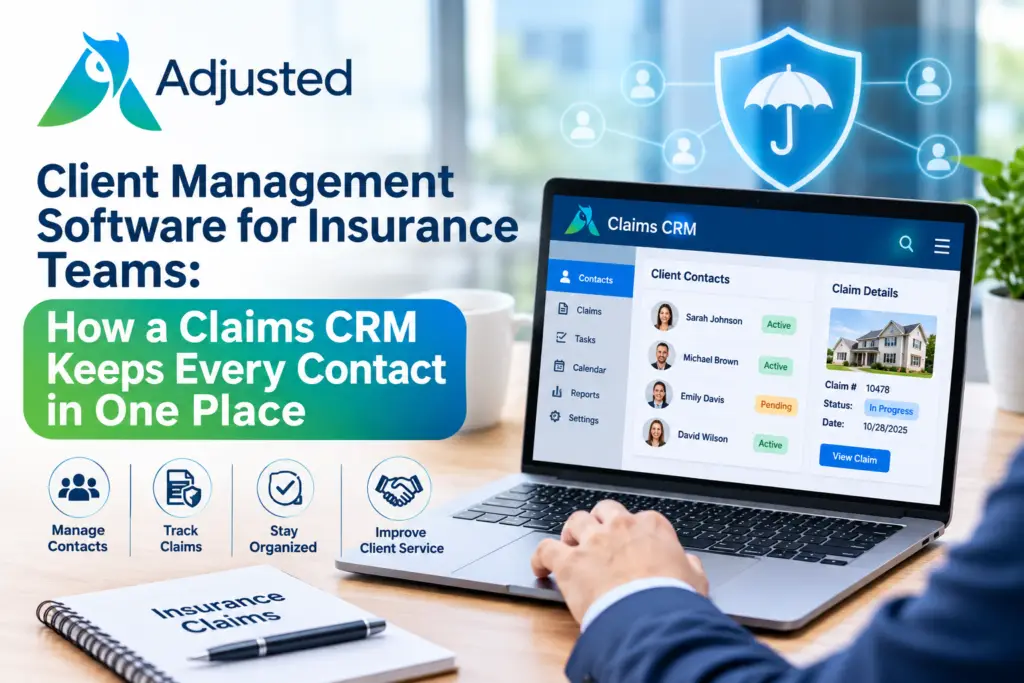
Client management software keeps every contact, note, and claim link in one place. Your team stops digging through emails and spreadsheets. You see who said what, and when.
For insurance teams, this means one clear record for each policyholder, vendor, and partner. Fewer calls get missed. Clients feel heard. Your work moves faster. Below, we explain what to look for, how it works, and how to pick the right tool.
What Is Client Management Software for Insurance?
Client management software is a digital tool that stores contact details and relationship history. Insurance teams use it to track policyholders, adjusters, contractors, attorneys, and carriers. Think of it as a shared address book with a memory. Every call, task, and claim link sits in one record. You may also hear the terms insurance CRM or insurance client management software. The names differ, but the goal stays the same. You get one clear view of every person tied to your work. A basic sales tool tracks deals. A claims-focused tool tracks claims and the people around them. That gap matters when one claim involves ten different contacts. Our CRM treats each contact as part of the claim story.
Why Spreadsheets and Inboxes Fail Insurance Teams
Many teams still keep contacts in spreadsheets, phone notes, and email threads. It works at first. Then volume grows. A contractor changes their number. A policyholder calls back, and nobody knows the last promise made. Your adjuster leaves, and their contacts leave too. These gaps cost you time and trust. Small errors add up across hundreds of open claims. A solid insurance CRM fixes this by keeping one record for each person. Everyone on your team sees the same details. You stop asking, “Who spoke to them last?” Missed follow-ups drop. Clients feel heard because your team knows their story. If you want a refresher on how claims flow, the Insurance Information Institute explains the basics in plain language.
Key Features to Look For in Client Management Software
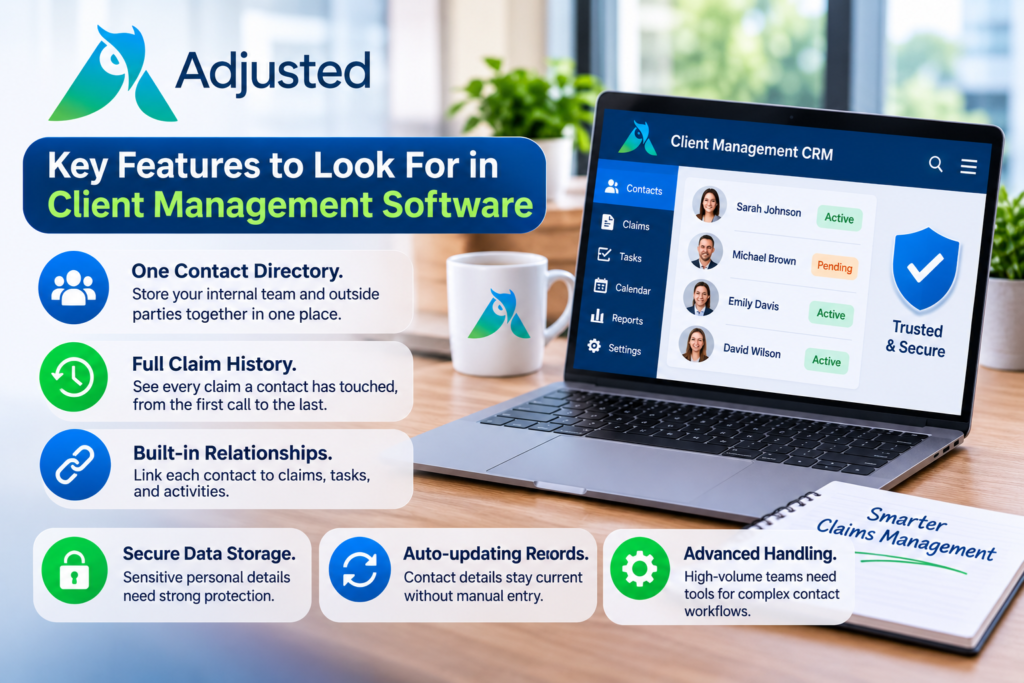
Not every tool fits claims work. Check for these features first:
- One contact directory. Store your internal team and outside parties together in one place.
- Full claim history. See every claim a contact has touched, from the first call to the last.
- Built-in relationships. Link each contact to claims, tasks, and activities.
- Secure data storage. Sensitive personal details need strong protection.
- Auto-updating records. Contact details stay current without manual entry.
- Advanced handling. High-volume teams need tools for complex contact workflows.
Our CRM covers the first three today. Secure PII storage and auto-updating records are coming soon. Advanced contact handling is an add-on. We think you should know that up front. Good insurance CRM software should be clear about what it does now and what comes later.
How Contact Management Connects Every Claim, Task, and Activity
Contact management is more than a list of names. It is the link between people and work. At Adjusted, we built our claims CRM so each contact connects to claims, tasks, and activities. Open one contact and you see their full history across all claims. Open one claim and you see every person involved. This is what good insurance contact management software should do. It also pairs well with activities and tasks, so follow-ups never slip. Your team can also handle each file in one place with claim management. Strong contact management software saves clicks. It also cuts repeat questions to your clients. Every teammate starts from the same record, not from scratch.
Do You Also Need Lead Management Software?
Some teams ask if one tool can do everything. Lead management software tracks new prospects before they become clients. It helps with sales follow-up and pipeline stages. That is a different job from claim contact work. Our CRM centers on contacts tied to claims. If you run an agency, ask each vendor of insurance agency CRM software what it covers. Make a short list of your daily needs. Do you track prospects, claim contacts, or both? Your answer shapes your choice. Pick the tool that matches your real workflow. Avoid paying for features your team will never open. Clear needs also make demos faster and far more useful.
How Secure Contact Data Protects Your Clients
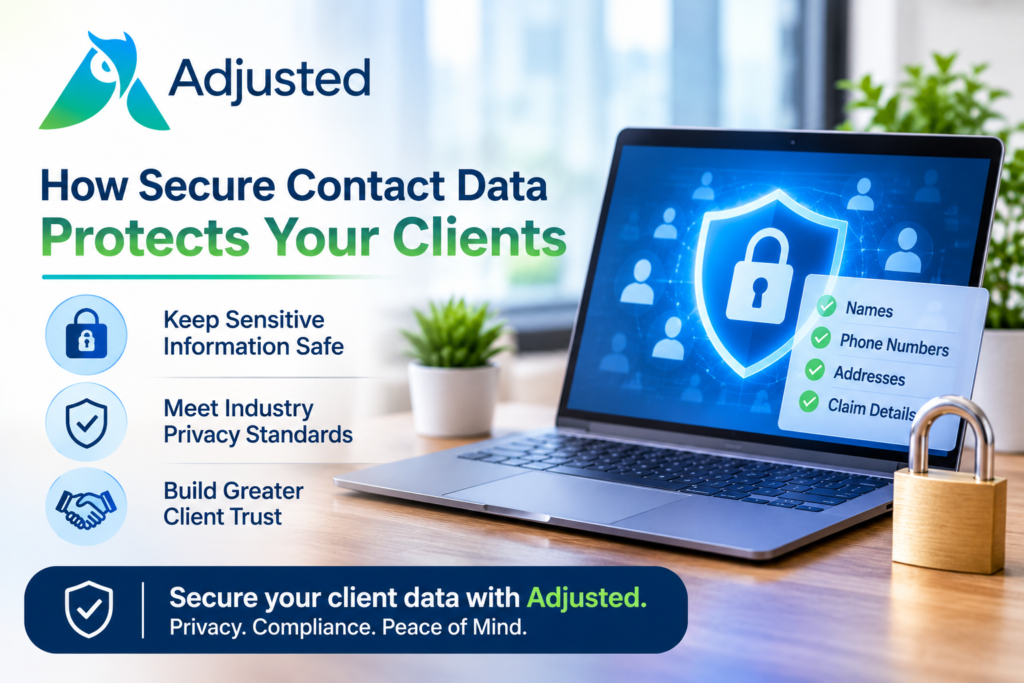
Contact records hold sensitive details. Names, phone numbers, addresses, and claim facts all need care. A leak can harm your clients and your reputation. The Federal Trade Commission explains privacy rules for financial data under the Gramm-Leach-Bliley Act. The NAIC shares model laws on insurance data security, and your state may have its own rules. The NIST Cybersecurity Framework gives you a common language for managing data risk. Ask every vendor how it stores and protects personal data. You can also read about our security and compliance approach. PII-safe storage is on our roadmap and marked coming soon. Plan around what is live today.
How to Choose the Right Client Management Software
Use this short checklist when you compare tools:
- Does it fit claims work, not only sales?
- Can your whole team see one shared record?
- Does it link contacts to claims, tasks, and activities?
- Is setup simple, with clear migration help?
- Are pricing and contract terms easy to understand?
- Does the vendor explain data security clearly?
Always watch a live demo before you decide. Try it with real contacts from your open claims. Adjusted offers no setup fees, no contract, and a 30-day money-back guarantee, so you can test with low risk. You can schedule a demo and bring your toughest contact scenario.
Ready to Organize Every Contact?
The right client management software gives your team one source of truth for every contact. You save time, avoid missed follow-ups, and build trust with each client. We at Adjusted built our CRM for claims professionals like you. Every contact links to your claims, tasks, and activities. Setup is simple, and there is no contract. You also get a 30-day money-back guarantee, so you can try it with confidence. Picture your next busy week with every contact in one clean record. That is the goal we work toward every day. Schedule your demo today and see our CRM in action.
Frequently Asked Questions
1. What is client management software?
It stores contacts, notes, and history in one shared place for your whole team.
2. How is an insurance CRM different from a sales CRM?
It links contacts to claims, tasks, and activities, not only sales deals.
3. Who needs insurance contact management software?
Agents, adjusters, and claims teams who work with many outside parties on each claim.
4. Is lead management software the same as a claims CRM?
No. Lead management tracks new prospects, while a claims CRM tracks contacts tied to claims.
5. What does it cost to get started with Adjusted?
Adjusted offers no setup fees, no contract, and a 30-day money-back guarantee.
6. Does a CRM keep sensitive client data safe?
Secure storage protects sensitive details. Our PII-safe storage feature is coming soon.
7. Can I move my existing contacts into the CRM?
We offer onboarding and migration support. Ask our team about your data during your demo.
