
Insurance API Integration: What It Means for Claims Teams
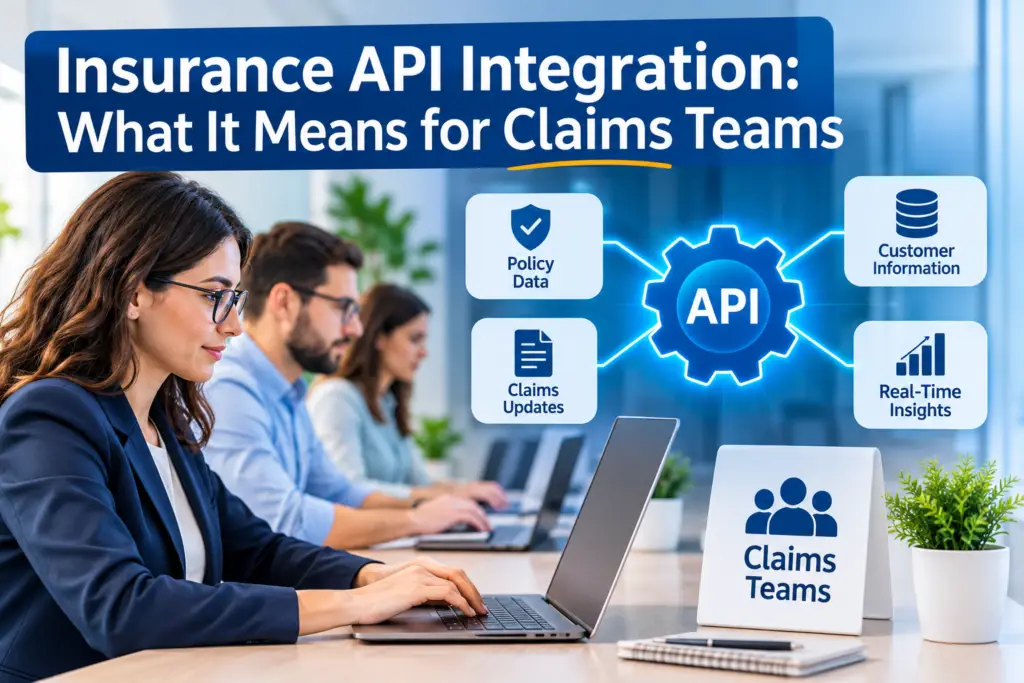
Insurance API integration just means your claims software can talk to the other tools you already use, like Xactimate, QuickBooks Online, and e-signature apps, so nobody’s copying data by hand. Insurers have leaned on this for years to connect quoting and underwriting. Claims teams can do the same thing, just pointed at the tools adjusters, contractors, and attorneys actually touch every day. Here’s what that means, how it works, and what to look for when you’re picking software that does it well.
What Is Insurance API Integration?
An API (short for application programming interface) is really just a way for two pieces of software to pass information back and forth automatically. Insurance API integration is what happens when your claims software, your accounting tool, and your estimate software are all wired together this way, so a file moves between them on its own instead of getting retyped three times.
The word API sounds technical, but the idea behind it isn’t. It’s the difference between emailing an estimate PDF to your bookkeeper by hand and having that same data show up in your invoicing system the second it’s uploaded. One’s a habit. The other’s a connection. Adjusted’s Claim Workspace is built around that second version, where files, billing, and estimates already live in one place.
How Does Insurance API Integration Actually Work?
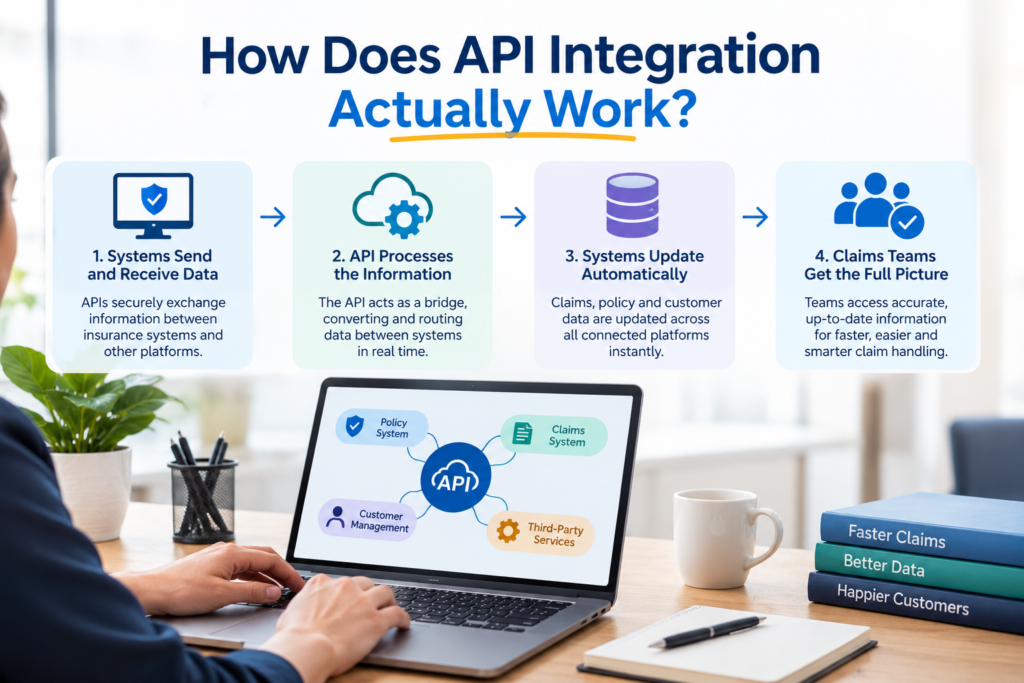
Most APIs in insurance fall into four buckets, and it helps to know them before you’re on a call with a vendor. Public APIs are open to outside developers. Partner APIs get shared with specific companies, say a dealership checking someone’s auto coverage. Private APIs stay inside one company, linking its own claims and underwriting systems. Composite APIs bundle several steps into one request, so quoting, binding, and issuing a policy can all happen at once. Nationwide’s own explainer breaks this down well from a carrier’s side.
You don’t actually need to understand any of this to benefit from it. What matters is that the software you’re using handles the connection quietly, in the background, so your team never has to think about it twice.
Why This Matters for Claims Professionals
Claims work eats up a huge share of an insurer’s time and cost, and McKinsey has pointed out that a more connected claims process can improve speed and customer experience at once, not one at the expense of the other. That holds just as true for independent adjusters, restoration contractors, and attorneys. A connected file means fewer delays waiting on someone else’s paperwork.
The upside is pretty ordinary, honestly. Less manual entry means fewer typos on an invoice. A synced estimate means nobody’s arguing over which version is current. And a file that’s documented and connected is a lot easier to defend if a claim ever gets challenged down the line.
Common Use Cases for API Integration in Insurance
You’ll usually see API integration show up in a handful of familiar places across the industry.
- Quoting and underwriting, where a system pulls property or risk data automatically
- Policy administration, updating coverage details the moment a policy changes
- Claims processing, moving a file from first notice of loss through to settlement
- Eligibility checks, confirming coverage before work even begins, which cuts down on denied claims later
- Weather and property data, flagging storm damage or risk exposure tied to a specific address
What This Looks Like for a Claims Team
For public adjusters, restoration contractors, and attorneys, none of this is really about the technology. It’s about which tools finally start talking to each other.
| Tool | What Gets Connected | Why It Matters |
| Xactimate | Estimate line items, RCV, ACV, depreciation | No more retyping estimate data by hand into a spreadsheet or invoice |
| QuickBooks Online | Invoices, expenses, payments | Billing stays accurate and tied to the actual claim file |
| E-signature | Signed documents and authorizations | Documents get executed and filed without printing or scanning |
| Weather data | Storm dates, wind and hail history for an address | Supports causation and helps settle disputed timing questions |
Adjusted’s own Estimate Analyzer handles that first row automatically, reading a Xactimate PDF and pulling out structured data in seconds instead of an afternoon.
Generic CRM vs a Platform Built for Claims
Most generic CRMs were built for sales pipelines, not claim files, so their integrations tend to feel bolted on after the fact. That usually means your Xactimate data, your billing, and your documents still sit in three separate places, connected only by someone remembering to copy things over.
A platform built for claims from day one treats integration as the foundation, not an afterthought. Our own comparison of claims management software goes deeper into what actually separates the two, if you want to see it side by side.
How to Evaluate a Claims Platform’s Integrations
Before you sign up for anything, it’s worth asking a few plain questions. Does it connect to the specific tools your team already uses, not just some generic list of apps? Is your data encrypted and handled under a real security standard, the way Salesforce documents its own insurance claims APIs with clear permission controls? Do you own your data if you ever leave, and how much help do you actually get moving your files over?
It’s also worth asking how these connections get built and kept up. Bigger core systems like Guidewire publish and support their own API layer for exactly this reason, so integrations keep working as software on both sides changes. A smaller vendor should be able to explain the same thing in plain terms, even if what’s underneath is simpler.
FAQs
What does API stand for in insurance? API stands for application programming interface. In insurance, it’s just the connection that lets two systems, say a claims platform and an accounting tool, share information automatically.
How do APIs prevent claim denials? They let a system check policy eligibility and coverage right away, before a claim moves forward, instead of finding a problem after work’s already started.
Does Adjusted offer Insurance API integration? Yes. Adjusted connects directly with Xactimate, QuickBooks Online, e-signature tools, and weather data, so claim files, billing, and documents stay in one place without manual entry.
Do I need a developer to use API integrated claims software? No. A well built claims platform handles the technical side for you. Your team just uploads files and works from one screen.
Is API integrated software more secure? It can be, as long as the vendor follows real standards like SOC 2 Type II, which covers how data gets protected, accessed, and audited.
The Bottom Line
Insurance API integration isn’t some technical concept meant only for insurers and developers. For a claims team, it’s the difference between a day spent copying data between apps and a day spent actually working the file. The tools you already use, Xactimate, QuickBooks Online, e-signature, weather data, don’t have to live in separate silos.
Adjusted was built around that idea, backed by SOC 2 Type II certification so security’s never the tradeoff for convenience. If you want to see how it works with your own files, schedule a demo and bring a real estimate or claim along. It’s the fastest way to know if it actually fits how your team works.
